Start with the recipient’s requirements
Use this workflow when a client, teammate or family member needs a set of ordinary JPG images rather than your full source folder. Ask which format and dimensions they accept, whether transparency matters and whether there is a per-file size limit. A web delivery copy is not a print master or a lossless backup.
The suggested recipe converts to JPG at 90% initial quality, limits the longest edge to 1600 pixels and names the outputs delivery-01.jpg, delivery-02.jpg and so on. It never enlarges a smaller input. A small transparent PNG can become a larger JPG; conversion alone is not compression.
From a mixed folder to one ZIP
- Open the image-delivery task. Its suggested settings are applied to an empty workspace; processing does not start automatically.
- Choose up to 20 JPG, PNG or WebP images. Check the source dimensions and remove anything you do not want to include.
- Review format, maximum edge and filename prefix. Keep 1600 px only if it suits the recipient. Transparent areas become white in JPG.
- Process the batch. Compare text, faces and fine lines in the original and result previews. Check dimensions and any failed items.
- Download a single result directly, or prepare a ZIP for several results. Open the saved files before sending them using your own email, messaging app or file-sharing service.
The site prepares downloadable files. It does not send messages, upload a cloud album or generate a public sharing link. Leaving or refreshing clears the workspace, so save everything you need first.
Try two different source images
Use the source downloads below to try the same batch with transparent artwork and a photograph. This deliberately mixes image types: a setting that suits a photograph may soften small text or remove transparency that another file needs.
Set the filename prefix to a meaningful project name, such as client-preview. Check the filename preview before processing. Numbering follows the queue, so verify that each name matches the image you intend to hand over.
 Transparent artwork source
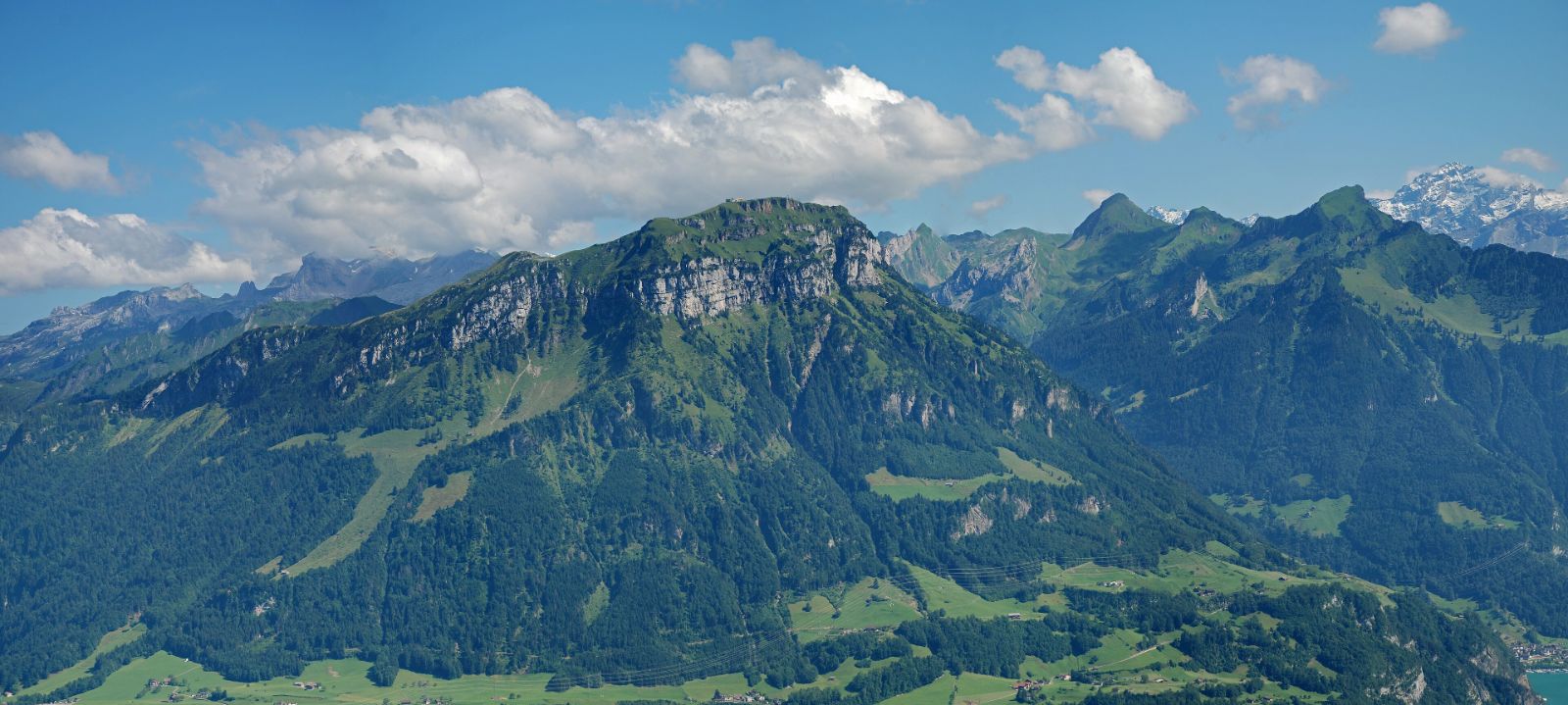 Licensed photograph source
Check the package before you share it
Confirm the output count against the source count, open each important image and inspect the ZIP after saving. A partial processing result can still be downloaded; a ZIP does not prove that every input succeeded. The task guide marks a download request, not proof that your operating system saved it.
If the recipient also imposes a byte limit, use the target-size compressor and inspect its pass or fail labels. Re-encoding JPG repeatedly can lose detail. Keep the original files and avoid unnecessary extra conversions. This version does not accept HEIC, AVIF or animated inputs.
Ready to try it with a file?
The task opens the working tool. Try its sample files first, then use your own. Review settings and inspect every output before saving.
Open the workspace ↗