Match the unit before changing the picture
LM Tools offers KB = 1,000 bytes and KiB = 1,024 bytes. A 200 KB limit is 200,000 bytes; 200 KiB is 204,800 bytes. A file can fit the second limit while failing the first. Receiving websites sometimes use these labels inconsistently, so check their stated byte limit or test the upload.
The target is an upper limit to try, not a requested exact final size. A smaller output can be valid. The result badge compares the real output bytes with your selected limit; the byte count is more useful than a rounded size label near the boundary.
Try quality first, then inspect dimensions
- Add your JPG, PNG or WebP images and choose a JPG or WebP target shortcut. Confirm that the destination accepts the output format.
- Choose KB or KiB and enter your limit. Start with the original dimensions when detail matters. The quality slider sets the initial encoding quality.
- Process and inspect every result. The encoder may lower quality to try to meet the limit. Open Compare and check faces, fine text or edges before saving.
- If a result misses the target, review the smaller-dimensions suggestion. Apply it to update the maximum long edge, then process again when ready. It changes the setting for the whole batch and clears the old results.
The dimensions suggestion is an estimate based on the output size. It cannot guarantee that the next export will fit, and it never starts processing on its own. It reprocesses the current inputs instead of feeding the failed JPG back into itself. PNG output ignores quality and target-size controls; resize it or use an accepted JPG/WebP format.
See a passing target and an impossible one
The downloadable 1200 × 800 original grain chart is 2,368,997 bytes. A tested JPG at a 200 KiB target is 201,327 bytes. This fits 204,800 bytes but is above a decimal 200,000-byte limit. Select the binary unit to repeat that published example, or decimal KB to run the stricter test.
With the same source, a deliberately tiny 1 KiB target produced 73,350 bytes without resizing. The tool correctly marks it as target not met. Lowering quality alone does not make every image small enough. Browser encoders can vary, and a synthetic chart is not a quality benchmark for your photos.
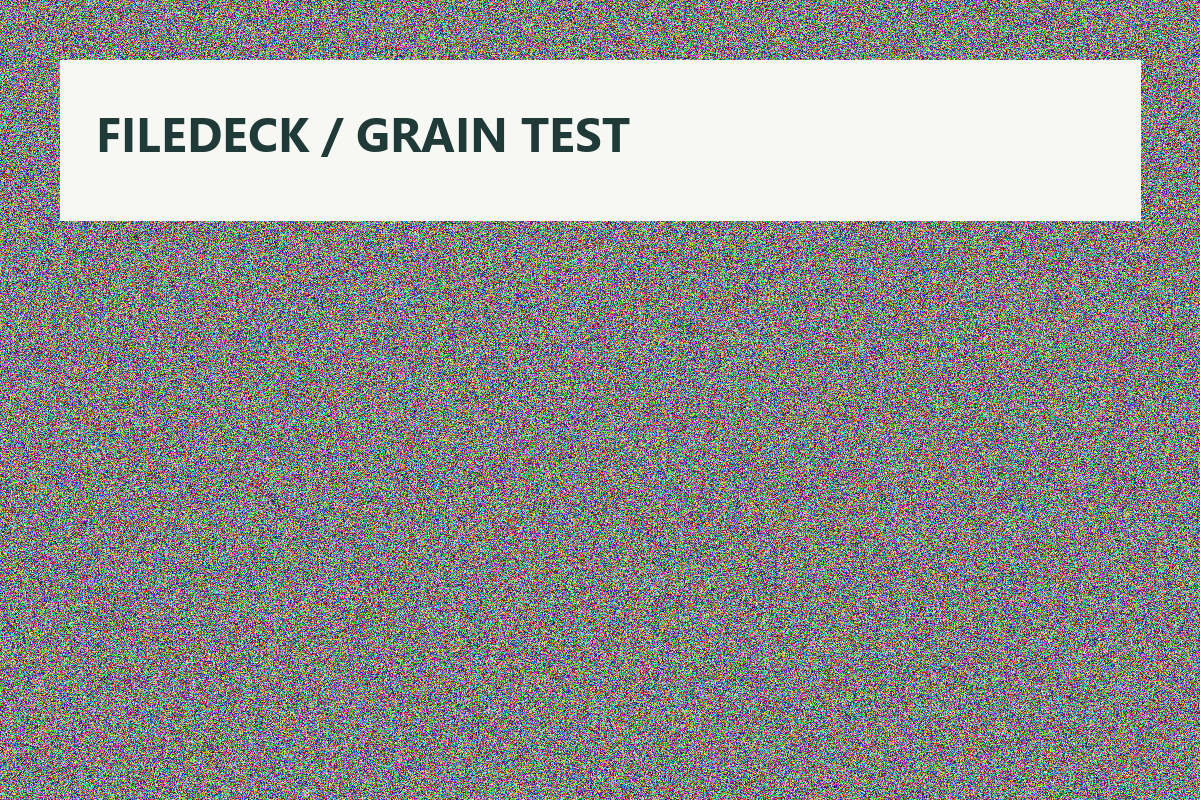 Original test file
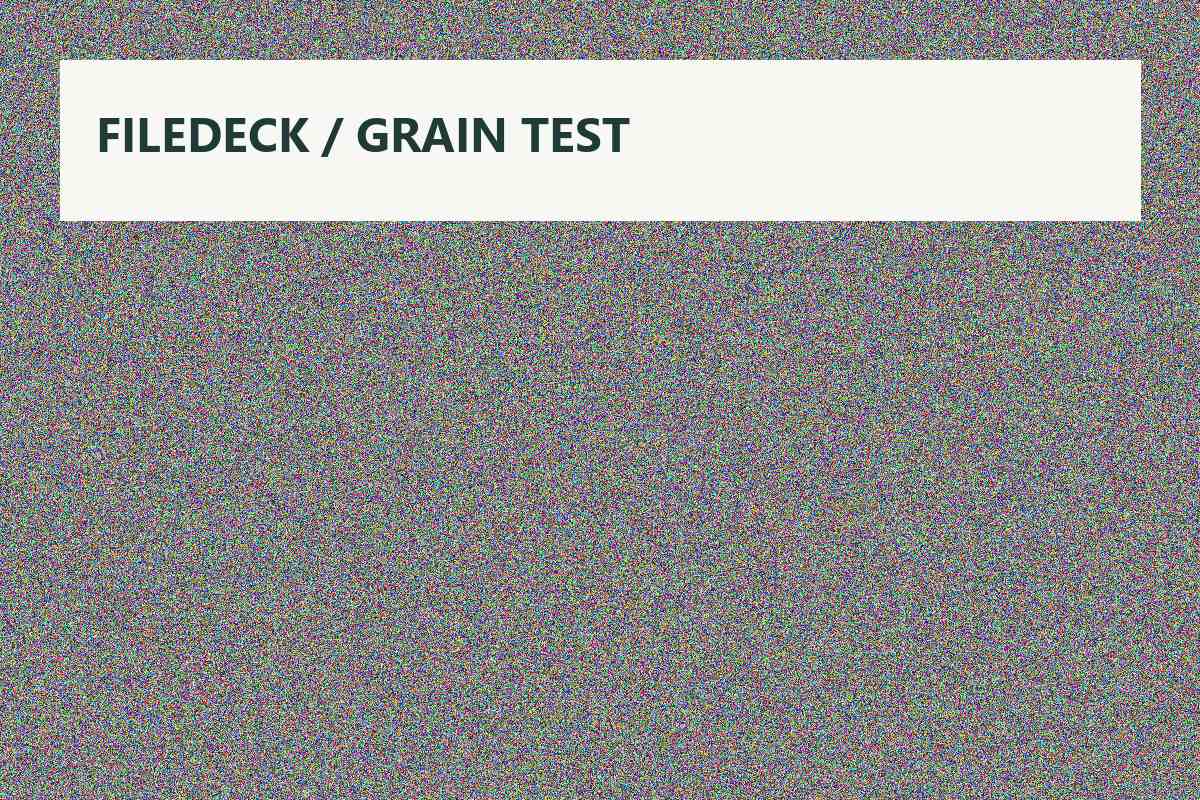 Tested browser output
Recover without losing your source
If the target is missed, try a smaller maximum edge and inspect whether the result remains readable. Where the receiving site requires minimum dimensions, keep those requirements in mind: a tiny file is not useful if it is rejected for having too few pixels. If quality is already unacceptable, keep the original and consider a different format or destination.
Use a result in another tool only when you actually need another step. Re-encoding a JPG or WebP can lose detail. Back one step restores a retained earlier stage, but it is not permanent storage. Download needed files before refreshing or leaving the page.
Ready to try it with a file?
Use the original test-file button in the tool’s example section. Review settings before processing and inspect the actual result.
Open the workspace ↗